
2-step verification adds security to your account: when you log in, RentSpree texts a code to your phone to confirm it’s you.
How to turn on 2-step verification
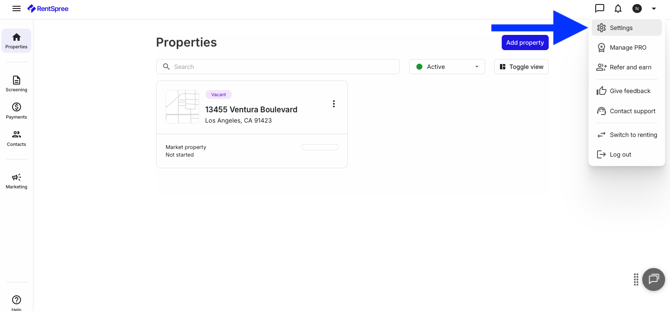
Log in and select Settings from the top menu.
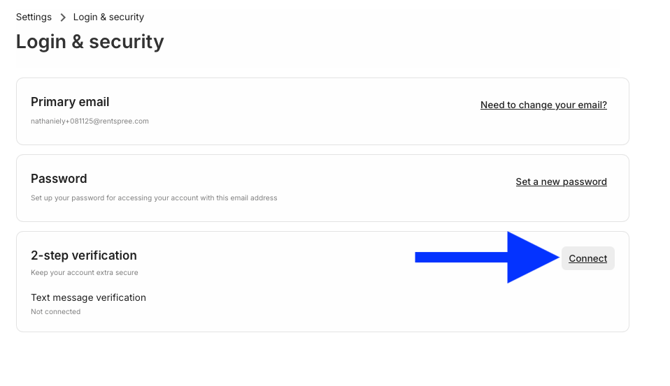
Select Login & Security, then Connect under 2-step verification.
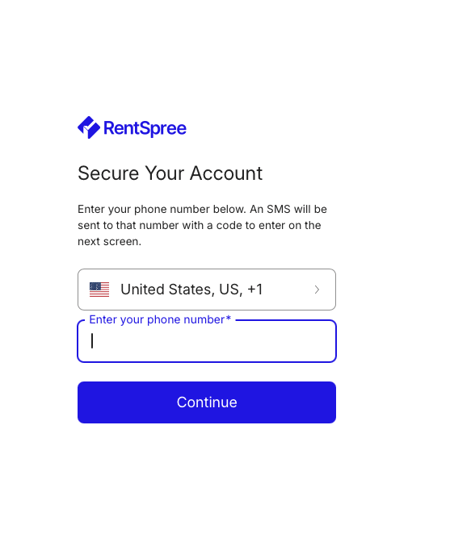
Enter your mobile phone number and select continue.
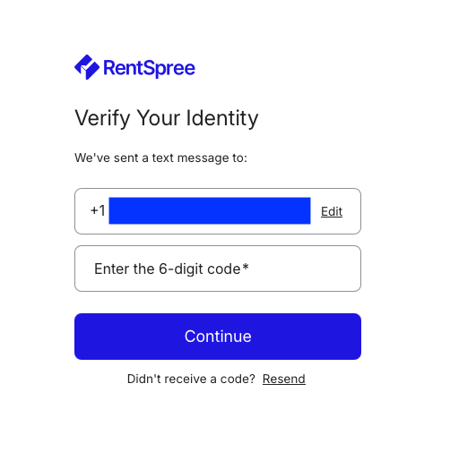
Enter the verification code texted to your phone. A confirmation appears once it’s on.
Need to change the phone number later? Reset the verification from the same Login & Security page.
Related articles: