
You can restart your RentSpree PRO subscription anytime.
How to reactivate
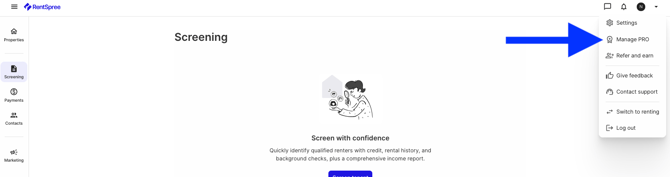
Select the menu arrow in the top right of your dashboard, then Manage Pro.
On the Subscription page, select Reactivate Pro.

Enter your payment information to finish.
Related articles: