
Two things happen before your listing goes live: a one-time identity verification and a Trust & Safety review of every new listing. Both exist to keep fraudulent listings off RentSpree, and neither usually takes more than a few minutes of your time.
Step 1: Verify your identity (one time only)
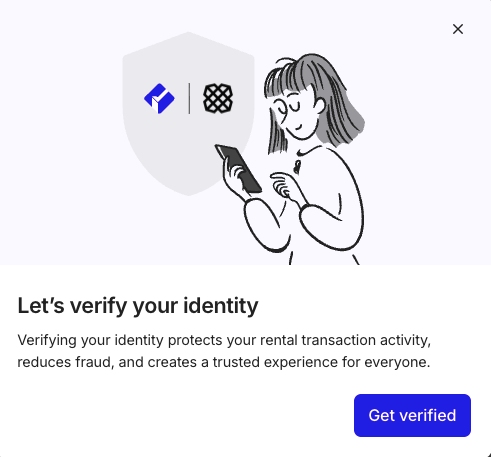
The first time you create a listing or view an application package, RentSpree verifies your identity through Plaid, a trusted verification service used across finance and real estate. You’ll need:
- Your full legal name
- A phone number that can receive a text message code
- Your date of birth
Enter the code from the text to confirm. If Plaid can’t match your identity, you’ll be asked for the last 4 digits of your SSN to proceed. Once you’re verified, you won’t be asked again for future listings or applications.
Step 2: Trust & Safety review
Every new listing is reviewed within 24 to 48 hours to confirm you have a genuine relationship to the property. Complete, consistent property details are what keep reviews fast. Your listing goes live as soon as it’s approved, usually with nothing needed from you.
If your listing isn’t approved right away
If the team can’t confirm your relationship to the property, you’ll receive an email with a short form asking you to upload one of the following:
- Your mortgage statement for the property
- Your property deed
Your listing publishes once you submit one and the review completes. The email sometimes lands in spam, so if your listing isn’t live after 48 hours and you haven’t heard anything, check there before contacting support.
Does this happen every time?
Identity verification is once per account. The Trust & Safety review happens once, when a listing is first created. Editing a listing later doesn’t trigger another review.
Listings stay active for 45 days. Edit or reactivate your listing covers reactivating an expired listing.