
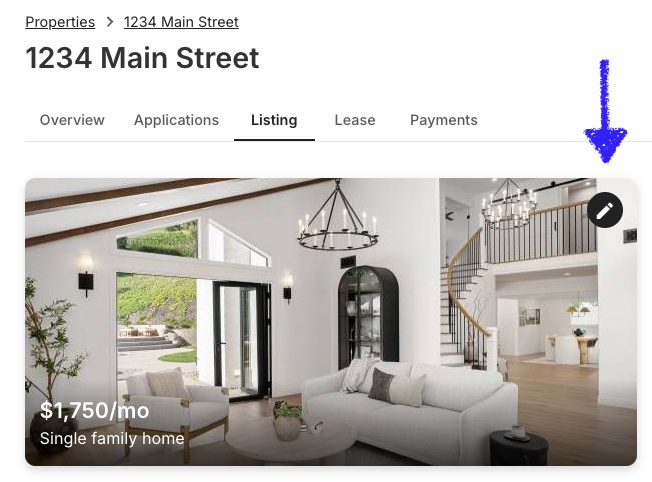
Edit any part of your listing at any time: open the Listing tab, select the pencil icon, make your changes, then save and resubmit.
What you can update
Everything: rent and property basics, contact info, lease terms, amenities and features, parking, pet policy, deposits and move-in policies, your description, photos, and the video tour.
Reactivating an expired listing
Listings stay active for 45 days, then automatically go inactive and come off partner sites. RentSpree emails you reactivation instructions (check spam if you don’t see it), or you can go straight to the Listing tab and resubmit from there.
To reactivate, make at least one update, even a small one, and resubmit. It’s a good moment to compare your rent against similar properties and refresh your photos: an updated listing often catches renters who scrolled past it the first time.
Deactivating your listing
Found your tenant? Deactivate from the Listing tab. Your listing comes off all partner sites and new applications stop coming in.