
Upload photos, let RentSpree’s AI build a polished listing, and publish. Your listing is shared automatically with Zillow, Redfin, Apartments.com, Zumper, and realtor.com.
First listing? You’ll verify your identity before publishing, a quick one-time process. Here’s how verification and listing approval work.
How to create and publish your listing
From your property dashboard, select the Listing tab. If you haven’t created a listing yet, the option to start is right there.
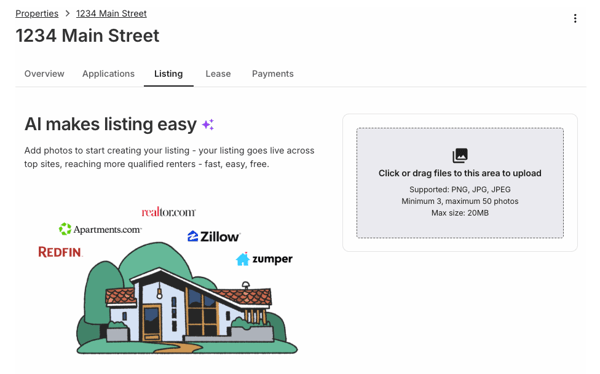
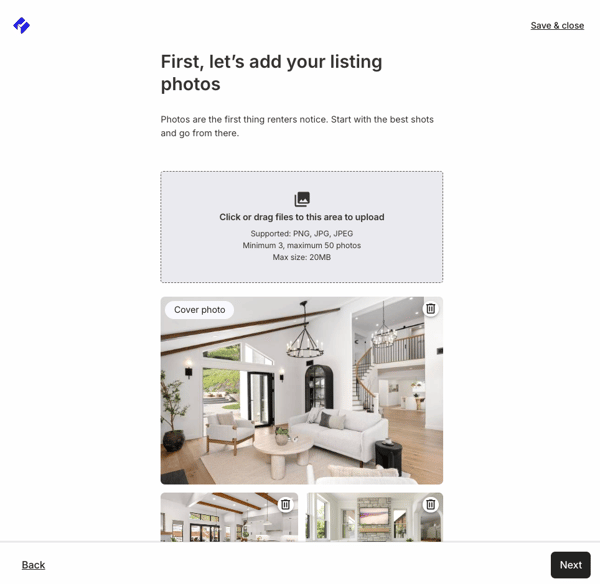
Upload your photos: select the upload area or drag them onto it. PNG, JPG, or JPEG; 3 photos minimum, 50 maximum; up to 20MB per photo. Bright, clear photos of every room, the exterior, and standout features get the most interest. Aim for 10 or more.
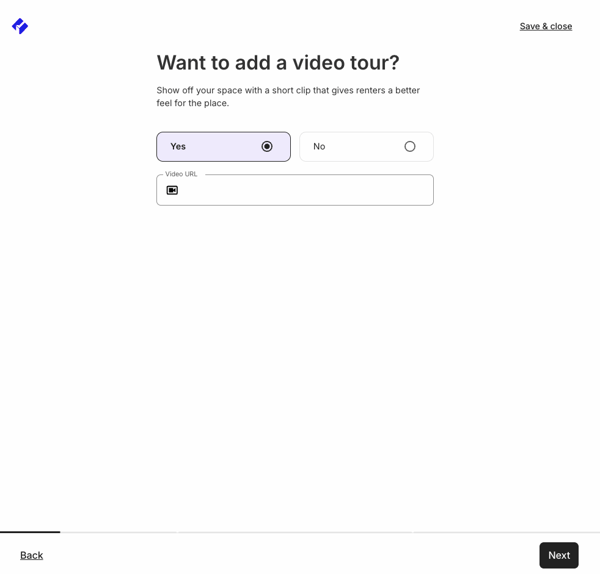
Add a YouTube or Vimeo link if you want a video tour with your listing (optional).
Fill in your rent amount, available date, and pet policy.
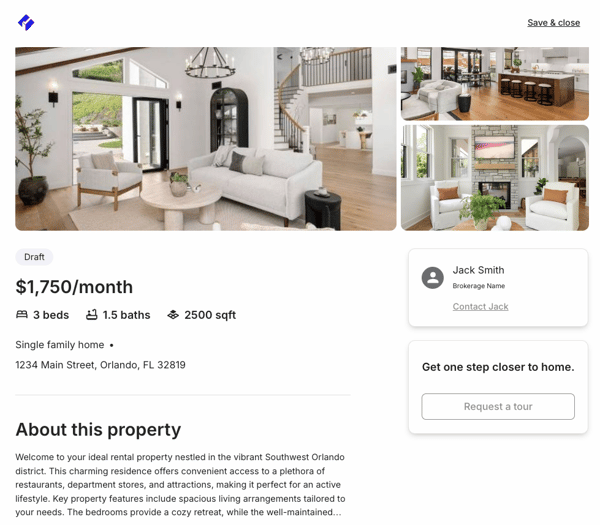
Review your listing. RentSpree’s AI writes a description and fills in details based on your photos. Select any section to edit. Be specific about rent and terms: renters filter by price and availability.
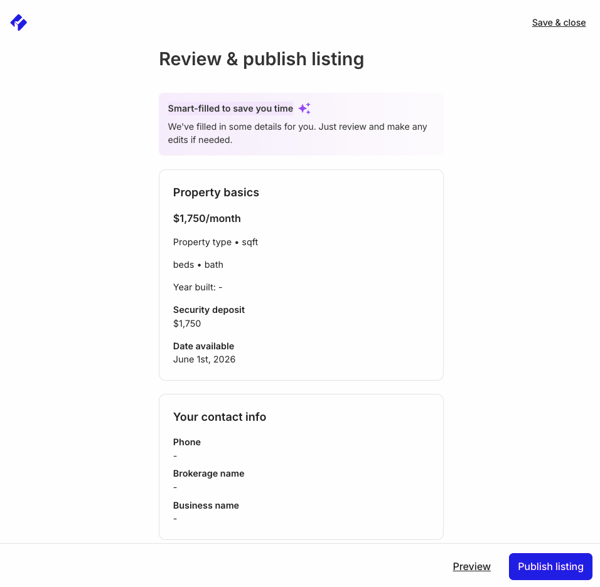
Publish. Syndication to all partner sites happens automatically.
What happens next
Every new listing goes through a Trust & Safety review within 24 to 48 hours, then appears on partner sites within about 8 hours. You also get a direct link to your RentSpree listing page right away, ready to share by email, text, or social media.
Applications from every site land in the Applications tab of your property.