
Landlord PRO starts with a 30-day free trial, billed monthly or annually after that. Here’s how to subscribe.
How to sign up
Sign in to your RentSpree account.
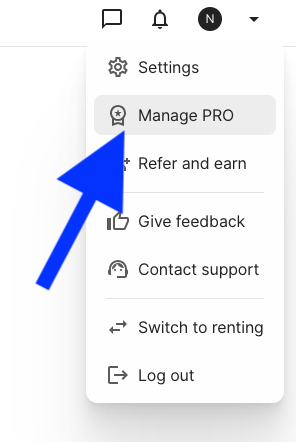
Select the drop-down arrow in the top right corner, then Manage Pro.
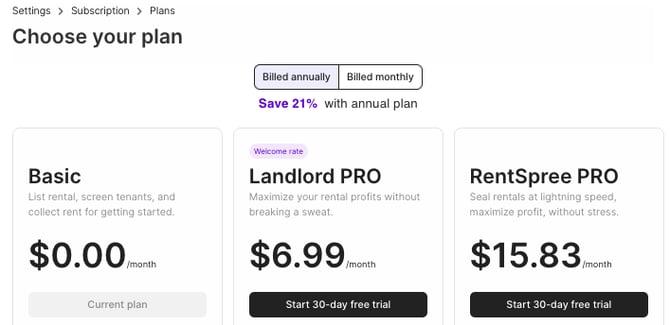
On the Manage Pro page, choose monthly or annually under Landlord PRO.
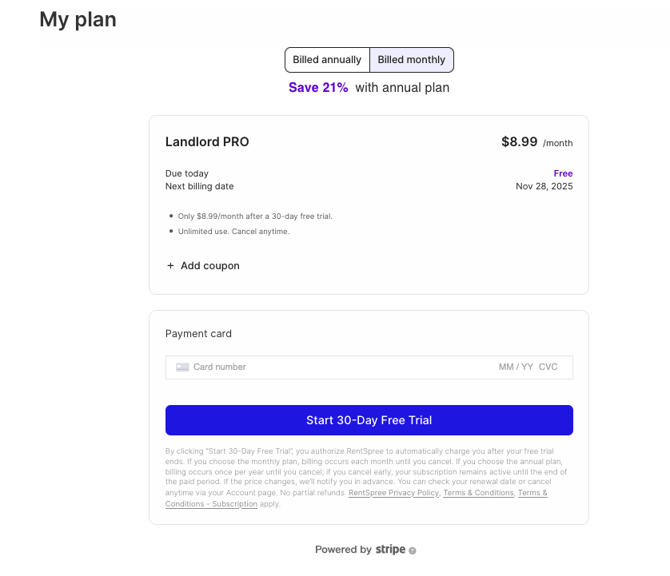
Select Start 30-Day Free Trial and enter your card information to activate the trial.
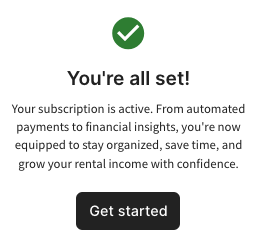
A pop-up confirms your subscription, and a welcome email follows.
Not sure what’s included? What is Landlord PRO? has the full list.