
Replace the random characters in your Professional Profile link with a name you choose, like rentspree.com/profile/sfv-realtor. A custom URL is easier to share and remember.
This is a RentSpree PRO feature. Learn more about RentSpree PRO.
How to change your profile URL
Go to the Marketing tab and select Professional profile.
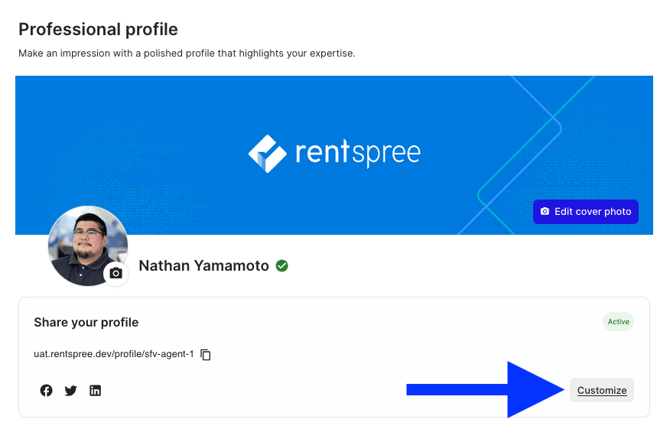
Select Customize next to your URL. This appears once your profile meets the minimum requirements.
Enter your custom URL. Separate words with hyphens, like sfv-realtor.
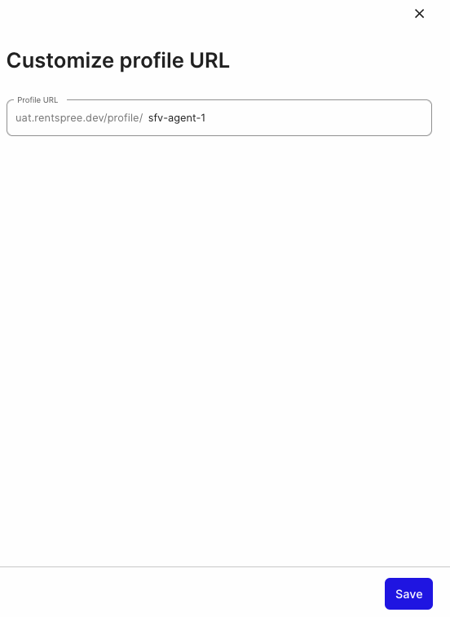
Select Save. Your new URL appears on your profile edit page, ready to copy and share.
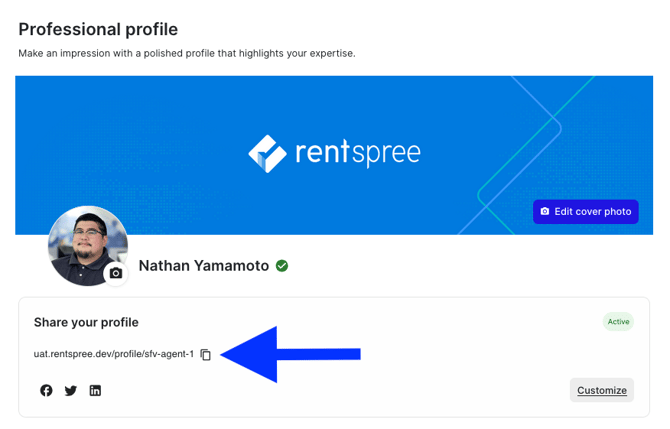
Every profile URL starts with rentspree.com/profile/.
Next: manage your agent reviews.