You can report a repair from your RentSpree account, even if your landlord isn't on RentSpree yet. It's free. Your landlord gets the details right away.
If there's a fire, a gas leak, flooding, or anyone is in danger, call 911 first. Report the issue in RentSpree once everyone is safe.
How to report a maintenance issue
- Log in and select Maintenance in the left menu, then select Report an issue.
- Add the property address.
- Pick a category, like plumbing or electrical, give the issue a short name, and describe the problem: what's wrong, where it is, and when it started.
- Submit your request. It shows on your Maintenance page, and your request status can take up to 5 minutes to update.
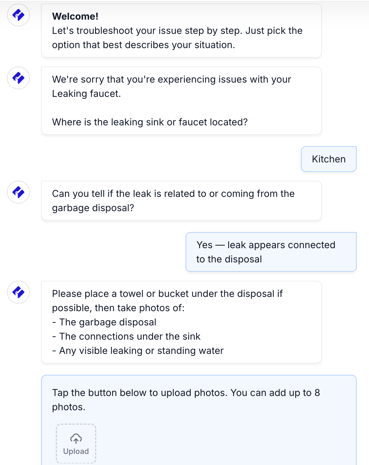
If your landlord uses Rental assistant, you can also describe the problem in your message thread. You'll get help troubleshooting, and you may be asked for photos. If a pro is needed, Lula, our maintenance partner, texts you to set up the visit.