
A RentSpree account is free and takes about 3 minutes to set up.
How to create your account
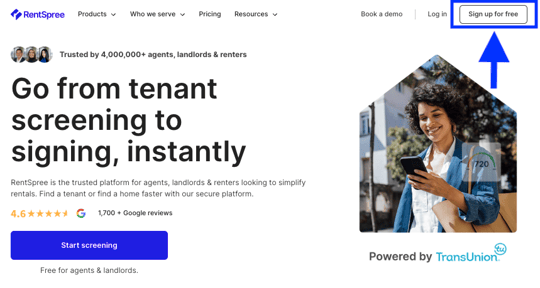
Go to RentSpree.com and select Sign Up For Free in the top right corner. If your agent invited you, sign up through the link in their email instead: RentSpree connects your account to your agent and sets up the guided Rental Hub automatically.
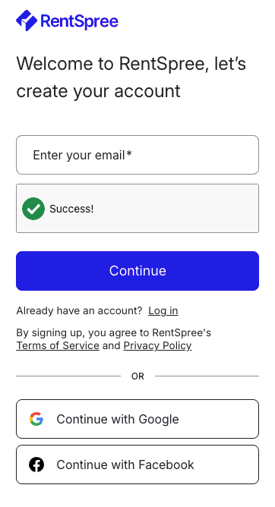
Sign up with your email address, or continue with Google or Facebook. Use an email you check often: new applications, payment updates, and tenant messages all arrive there.
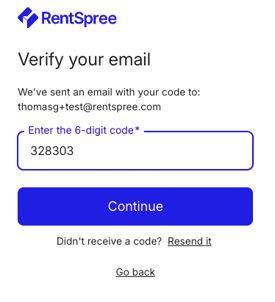
Enter the 6-digit code RentSpree emails you. If it doesn’t arrive within a few minutes, check your spam folder.
Answer a few quick setup questions and select your role when asked.

Next: add your first property.