
You can delete your account and personal information anytime, in line with the California Consumer Privacy Act (CCPA). Deletion is permanent.
How to delete your account
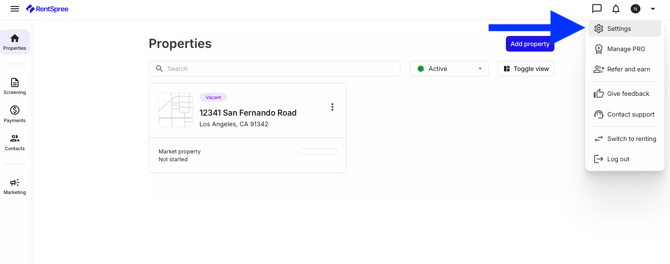
From your dashboard, select the Menu button, then Settings.
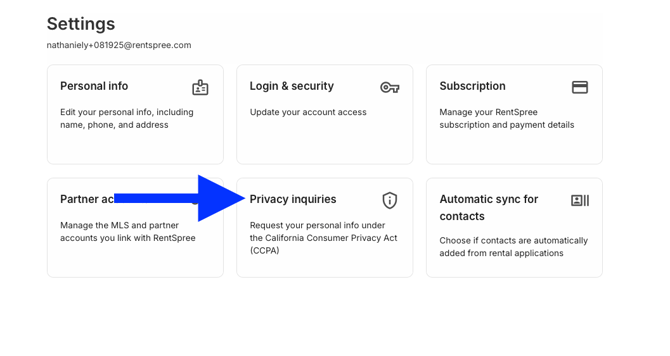
Select Privacy Inquiries.
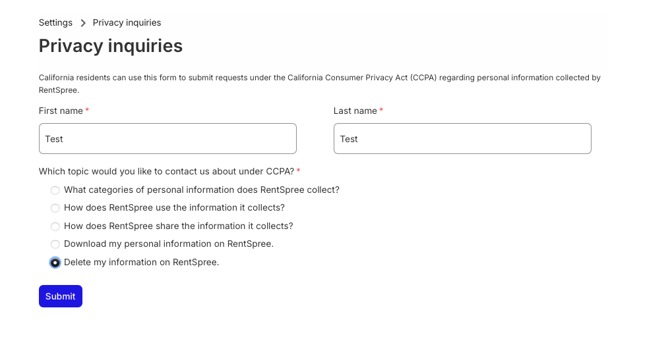
Enter your name and select Delete my information on RentSpree.
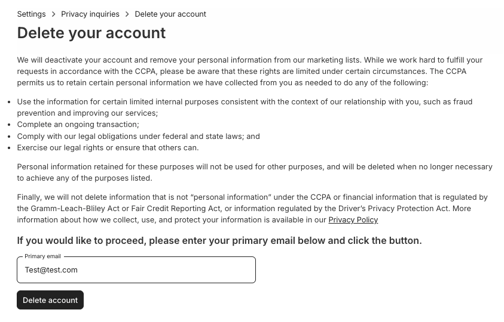
Enter your email and confirm you want the account deleted.
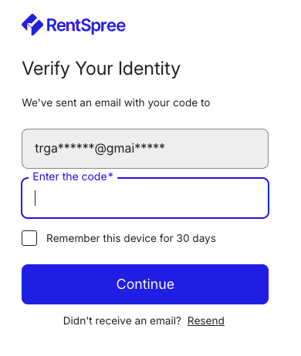
Enter the secure code RentSpree emails you. Your account is deleted, and a confirmation email follows.
Just want a property off your dashboard while keeping your account? Archive the property instead. Our Privacy Policy explains how RentSpree collects and uses personal information.